Class Material for Shawn Wheeler
Click here to download Smart Notebook Class 1
Click here to download Smart Notebook Class 2
Click here to download Smart Notebook Class 3
Click here for the zip files you will need during the lab
Click here for the last class that isn't done at this time. :)
Connecting your Smart Board
Windows 7 Overview Workshop PPT
Windows 7 Video's. Click a title below to view.
Watch Boring to Wicked Cool with Word 2010
Files used or to demo
Step by Step
Leonardo Da Vinci formatted
Leonardo Da Vinci unformated
Watch Boring to Wicked Cool with PowerPoint 2010 Part 1
Watch Boring to Wicked Cool with PowerPoint 2010 Part 2 Adding prerecorded narration
Watch Boring to Wicked Cool with PowerPoint 2010 Part 3 Adding narration
Watch Boring to Wicked Cool with PowerPoint 2010 Part 4 Creating a Video
Files used or used to demo
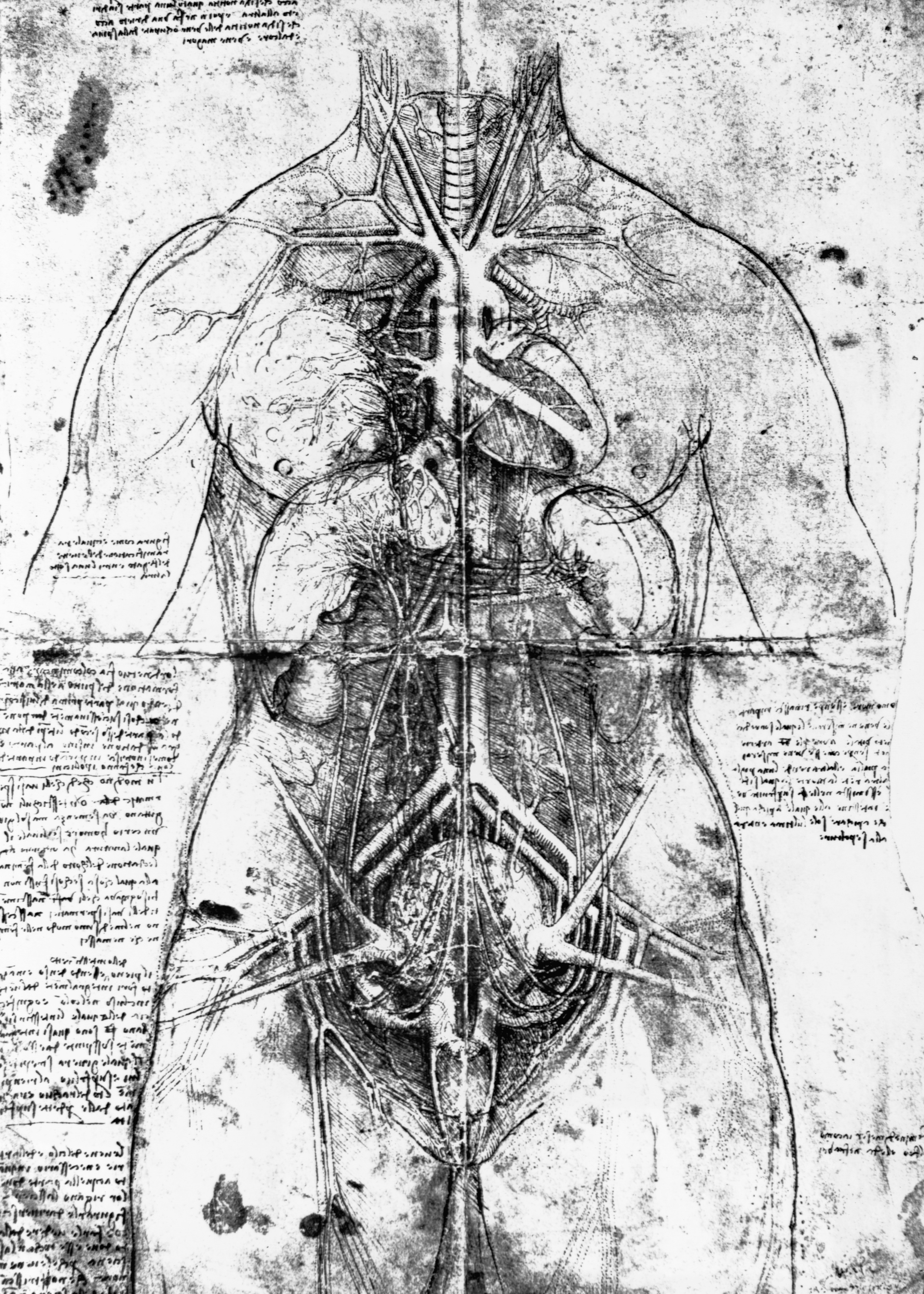
Drawing of an Anatomical Study by Leonardo Da Vinci (image)
Mona Lisa by Leonardo Da Vinci (image)
Leonardo Da Vinci Unformatted (pptx)
Leonardo Da Vinci formatted (pptx)
Leonardo Da Vinci with Audio and Timings (pptx)
Leonardo Da Vinci with Audio and Timings (video from pptx)
Audio (zip)
Audio files to practice with Audacity
Dance_and_Boogie.mp3
Funkadelic.mp3
Highway_Man.mp3